Troubleshooting:
Retail POS (S-Series) App
If you’re having issues with the Retail POS (S-Series) app, such as when logging in or activating the app, check out one of our troubleshooting guides for help getting back on track.
Login and Access
Let us help you figure out your login issues so you can get back to what’s really important: running sales!
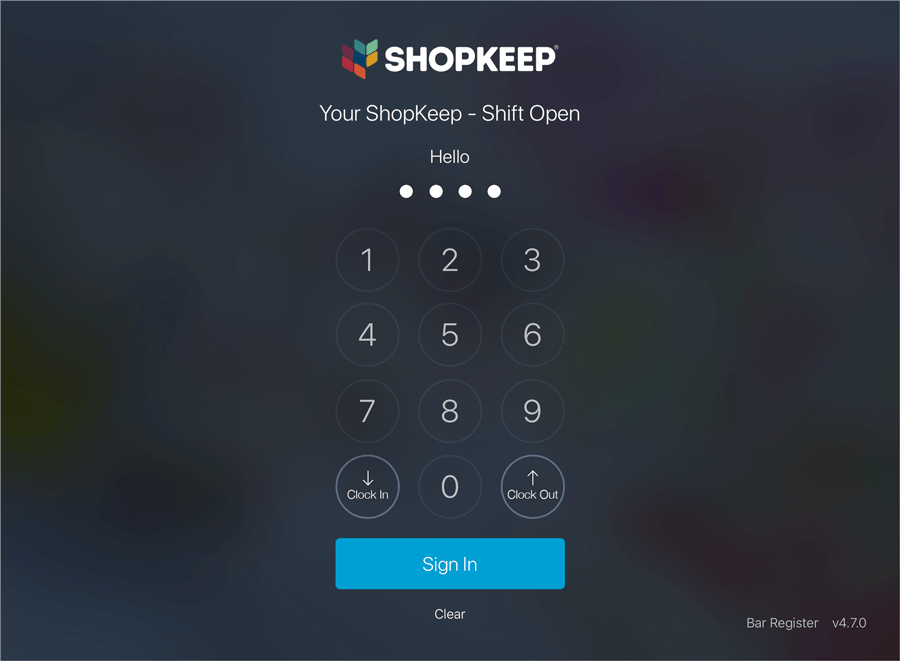
Click to Troubleshoot Login / Access Issues for the Register
Cashier Functions
Having problems making a return or checking the balance of a gift card? This guide covers issues related to the cashier functions on the Main Menu.
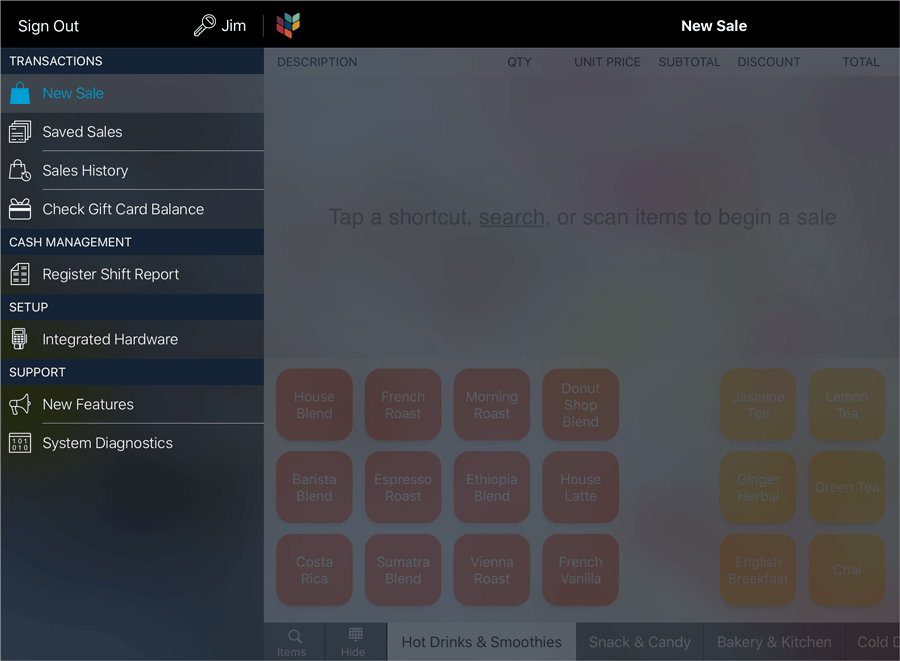
Click to Troubleshoot Retail POS (S-Series) App Cashier Functions
Manager Functions
This guide deals with situations you might face while performing manager functions, such as pay ins or payouts, at the register.
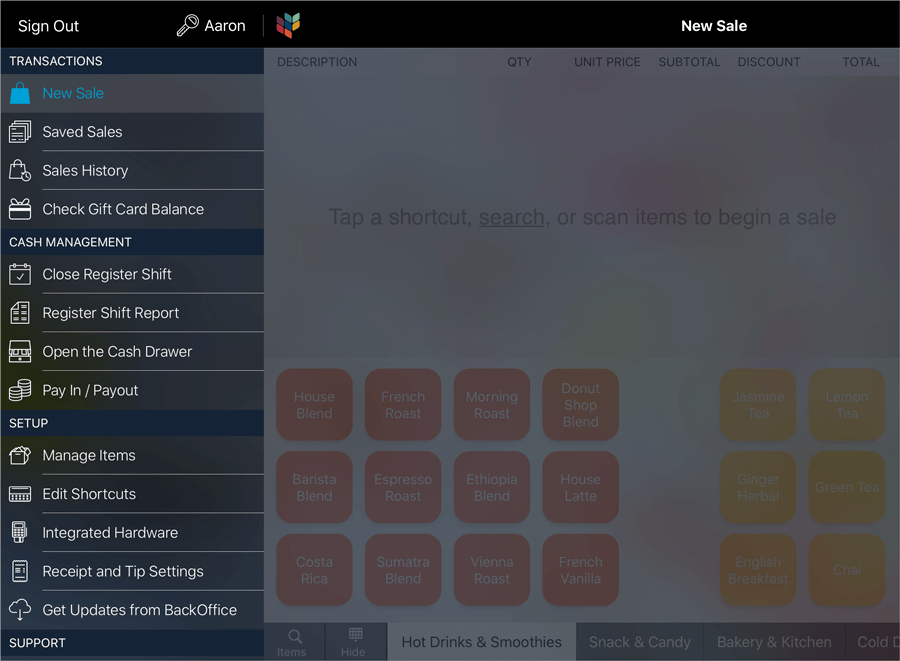
Click to Troubleshoot Retail POS (S-Series) App Manager Functions
New Sale Screen
If you’re having issues using the New Sale screen, we’re here to help!
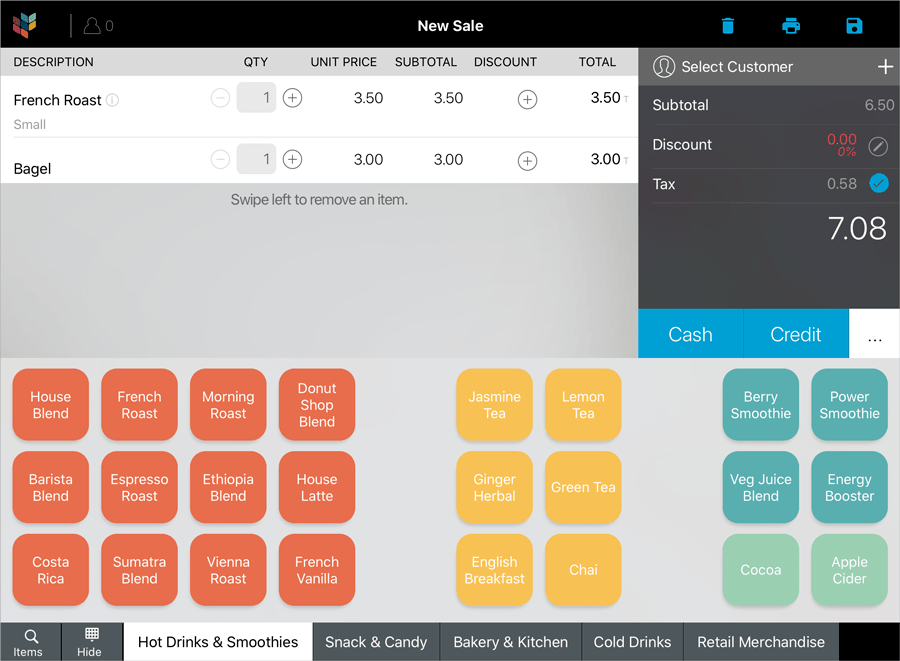
Click to Troubleshoot the Retail POS (S-Series) App New Sale Screen
Saved Sales Screen
Visit the Saved Sales screen guide for help with problems that stem from opening, saving, or syncing saved sales between registers.
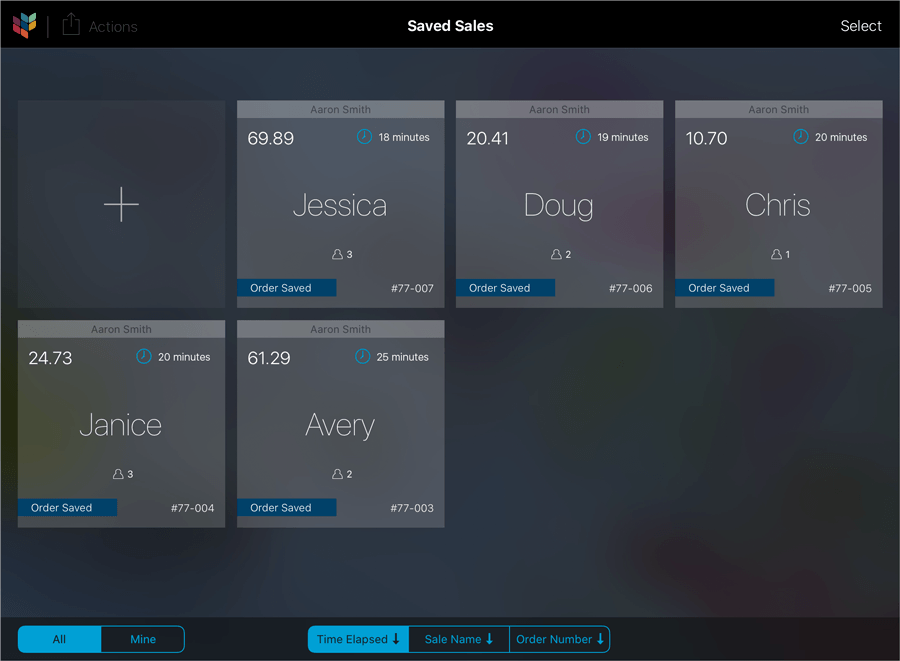
Click to Troubleshoot the Retail POS (S-Series) App Saved Sales Screen
Settings
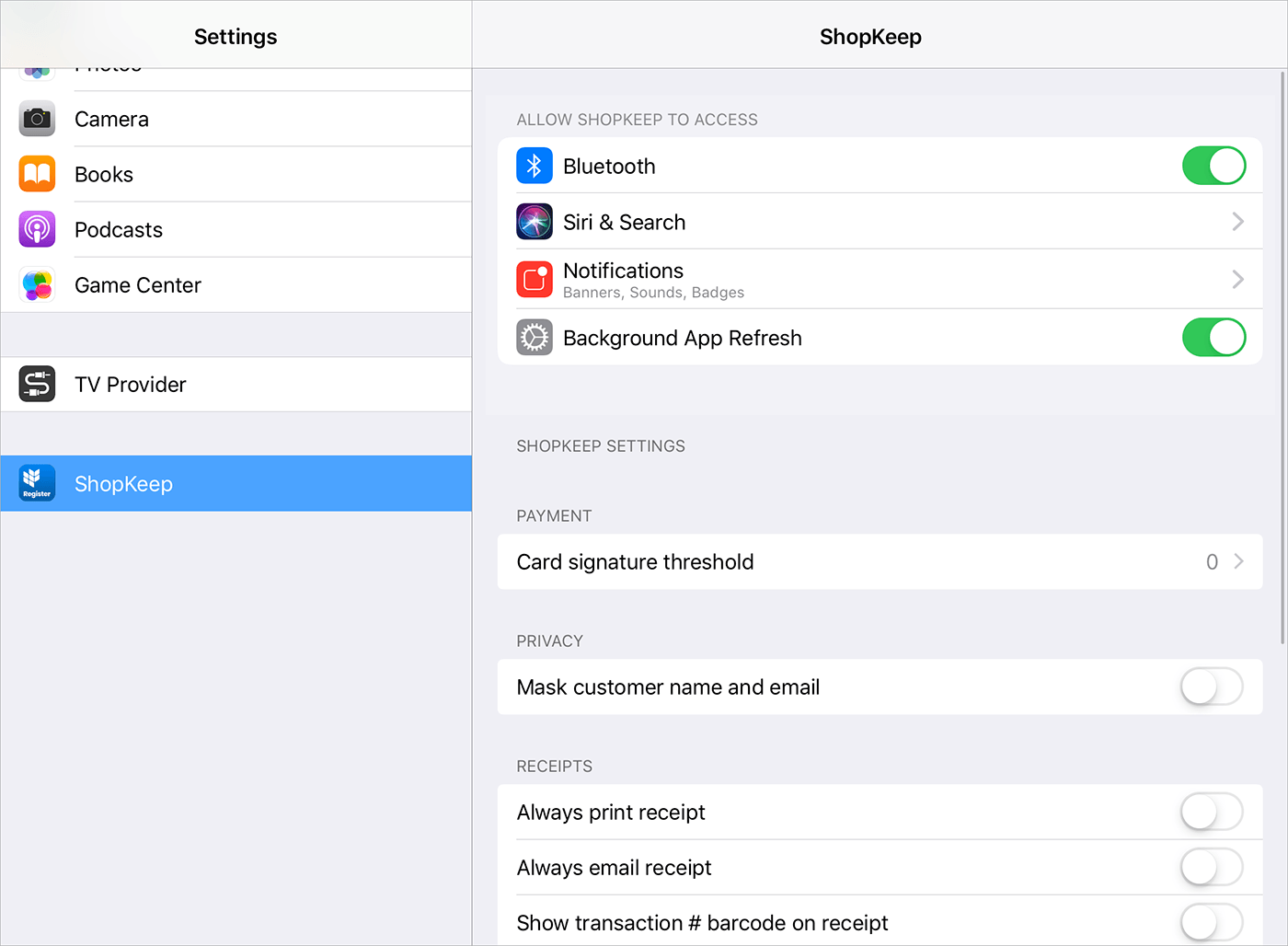
This guide covers issues related to some of the supplemental settings for the Retail POS (S-Series) app.